Manage your collections
Read collection statuses at a glance, filter by source or state, import Shopify collections, and pause or resume smart sorting.
The Collections list is mission control. Every collection shows a status, its sort rule, its schedule, and when it last sorted — so you can see what’s working and step in when needed.
1. Read statuses at a glance
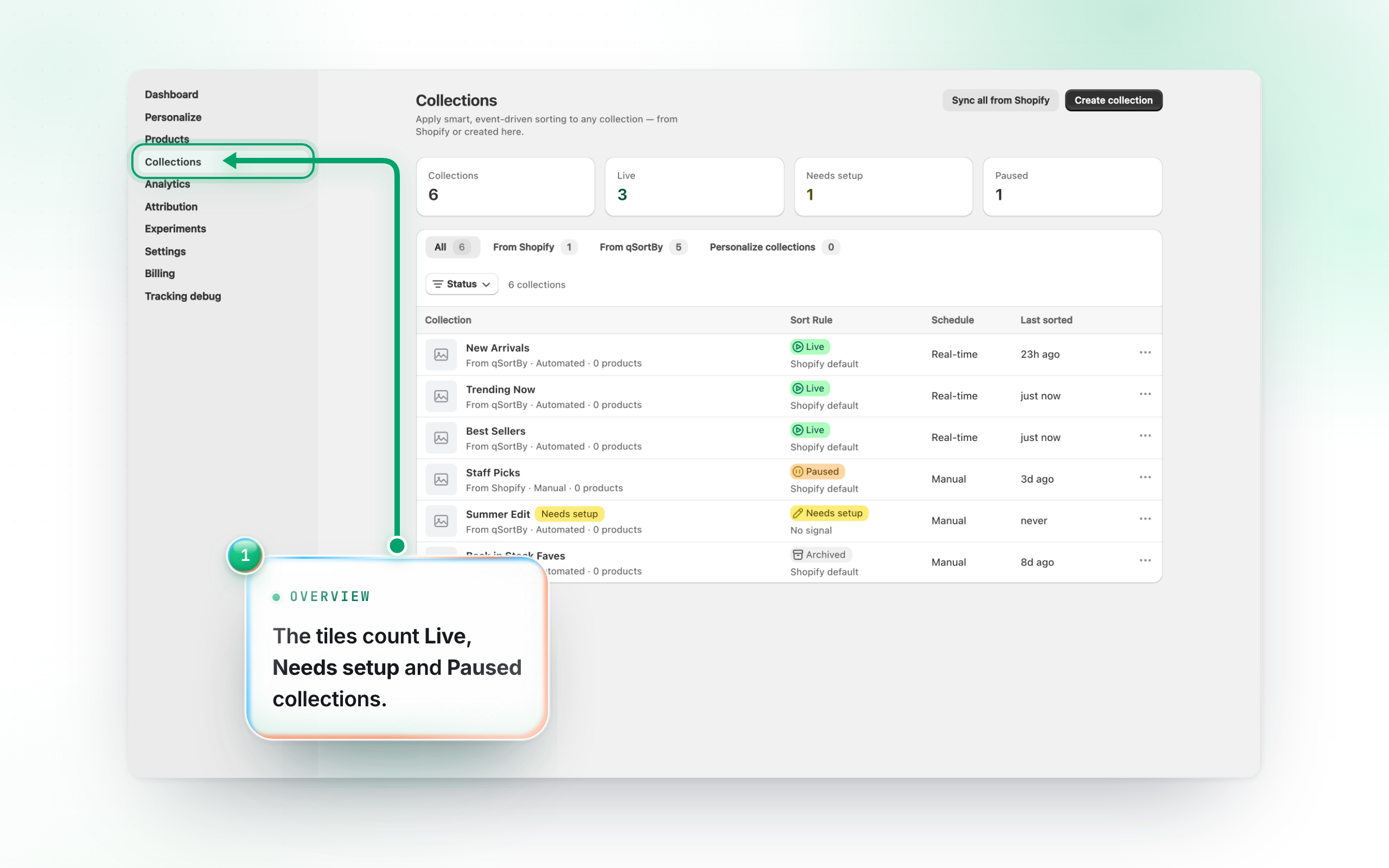
The tiles up top count your collections in total and by state: Live (actively sorting), Needs setup (no rule chosen yet), and Paused (a rule is set, automatic updates are off). In the table, each row shows the same status plus its Sort Rule, Schedule (Real-time / Hourly / Daily / Manual), and Last sorted time.
2. Filter by source
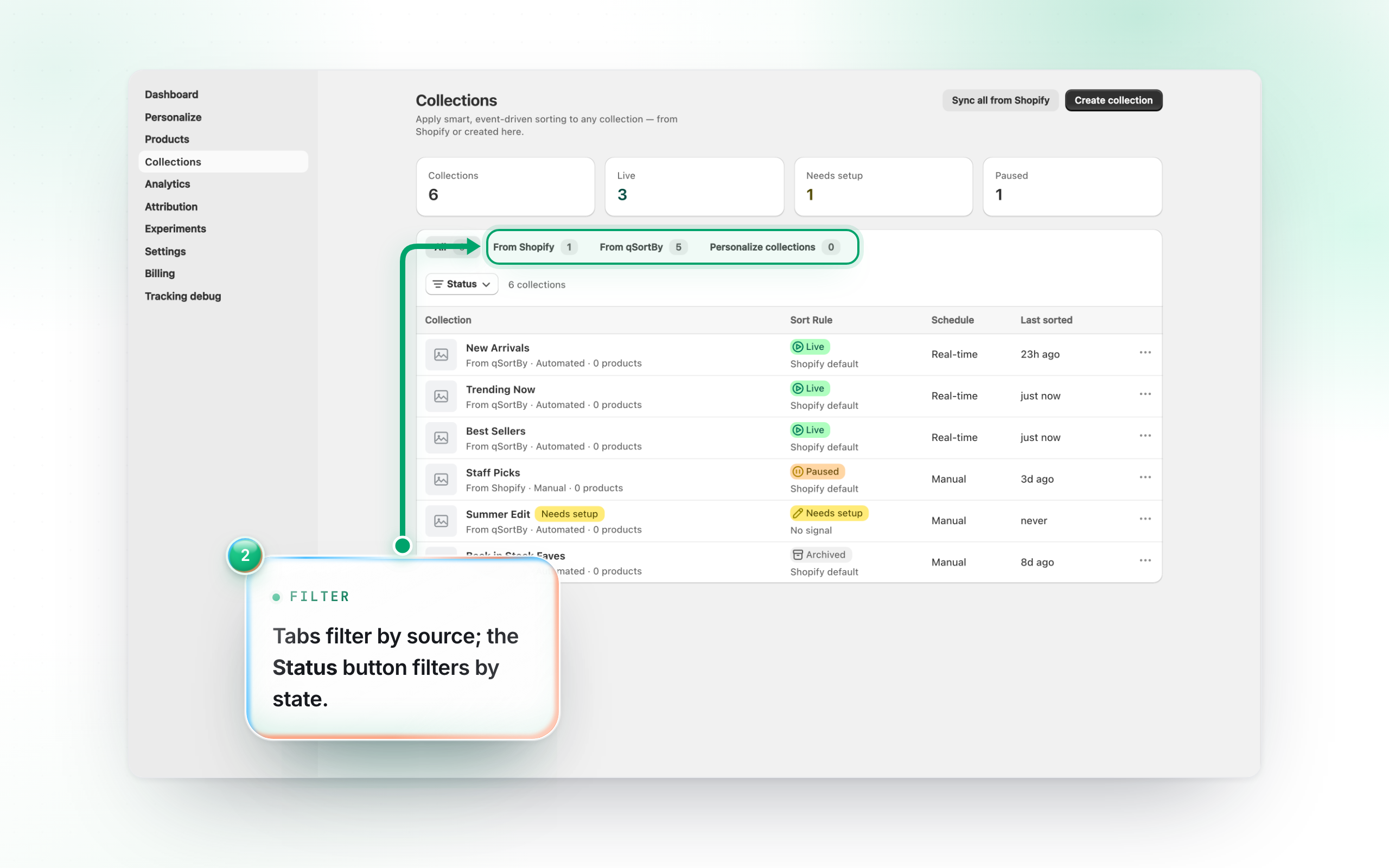
The tabs filter the list: All, From Shopify (collections you imported), From qSortBy (created here), and Personalize collections (per-visitor For You feeds). Use the Status filter to narrow by Live / Paused / Needs setup / Archived.
3. Import Shopify collections
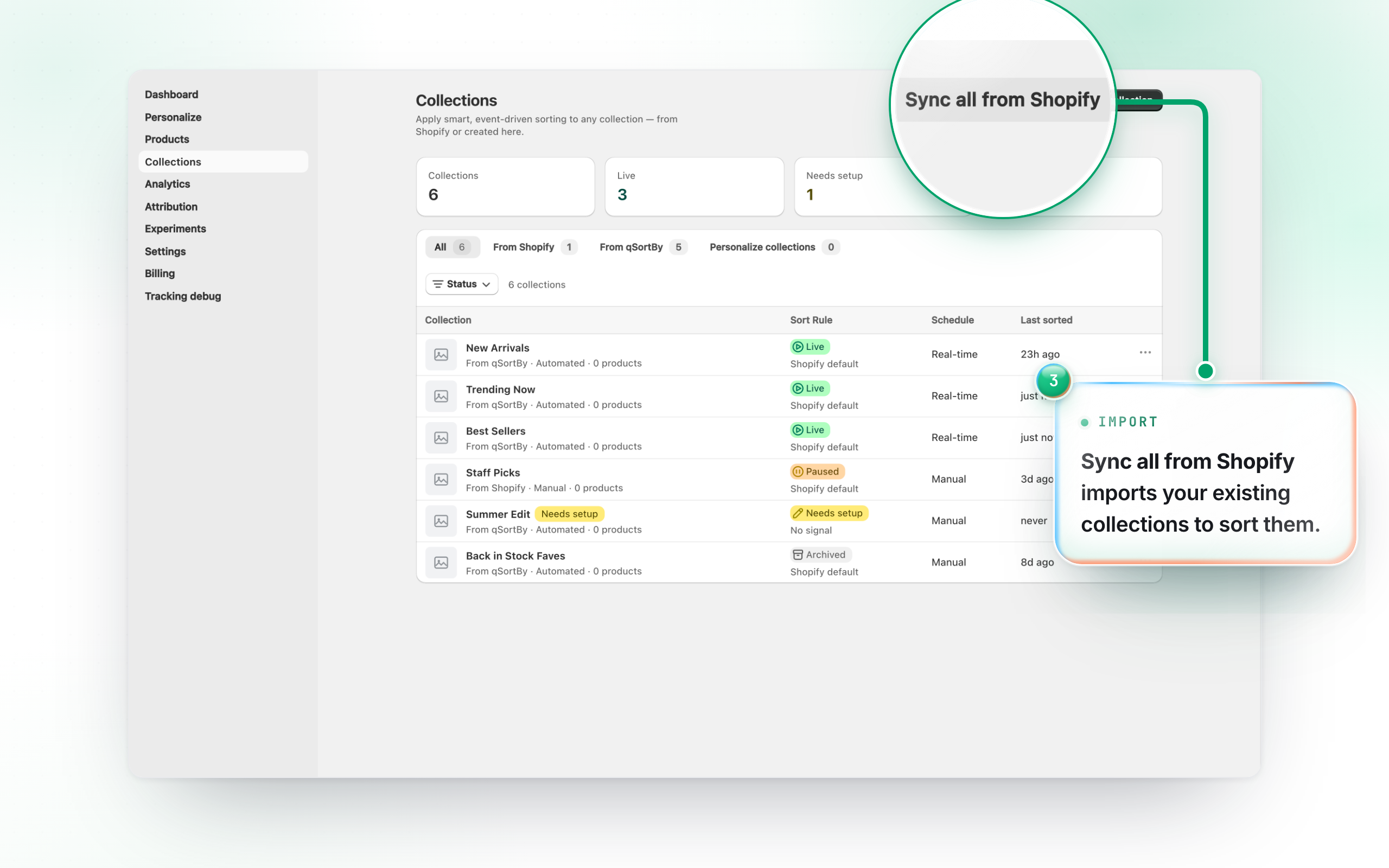
Click Sync all from Shopify to pull your existing Shopify collections in, so you can apply smart sorting to them. Smart sorting on an imported collection only ever reorders: the app never adds or removes products, because you own the membership. The products your rule scores rise to the top, products with no score keep their current relative order below them, and anything sold out, draft or archived sinks to the bottom. To pause or resume a collection, open it and use Pause smart sort / Resume smart sort on its detail page.