Explore products & engagement metrics
See every product with its real-time engagement — units sold, views, clicks, CTR, cart adds and dwell — and sort or filter to find what's working.
The Products page is your catalog with live behaviour attached. It’s where you inspect how each product performs before deciding which signal to rank a collection by. Metrics come from the storefront pixel and your orders.
1. Open Products
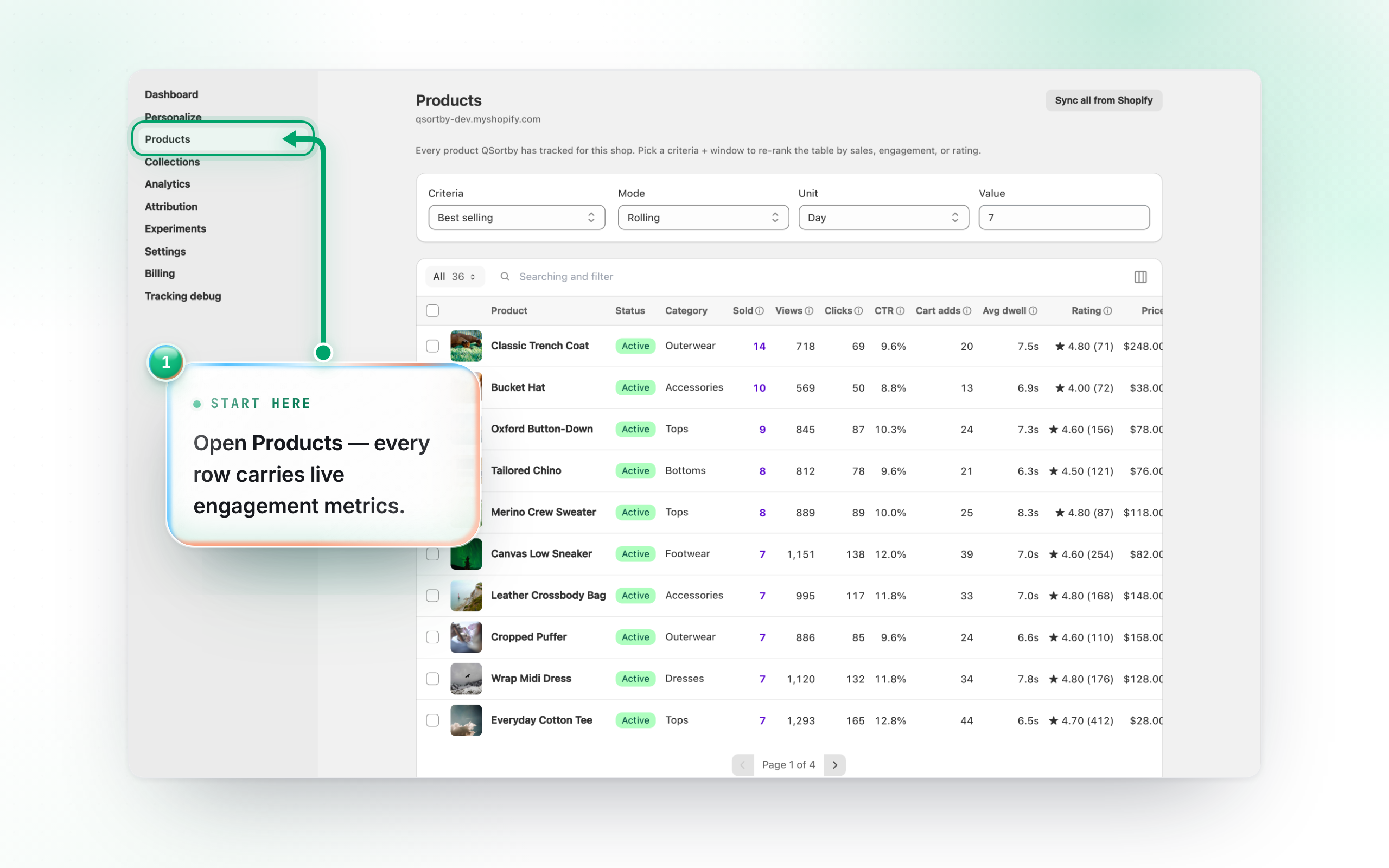
Open Products from the left menu. Each row shows the product plus its engagement over your chosen window: Sold, Views, Clicks, CTR, Cart adds and Avg dwell. Sold comes from your real orders; the other five come from the storefront pixel. Click Sync products (top right) to pull the latest catalog from Shopify.
2. Sort by any signal
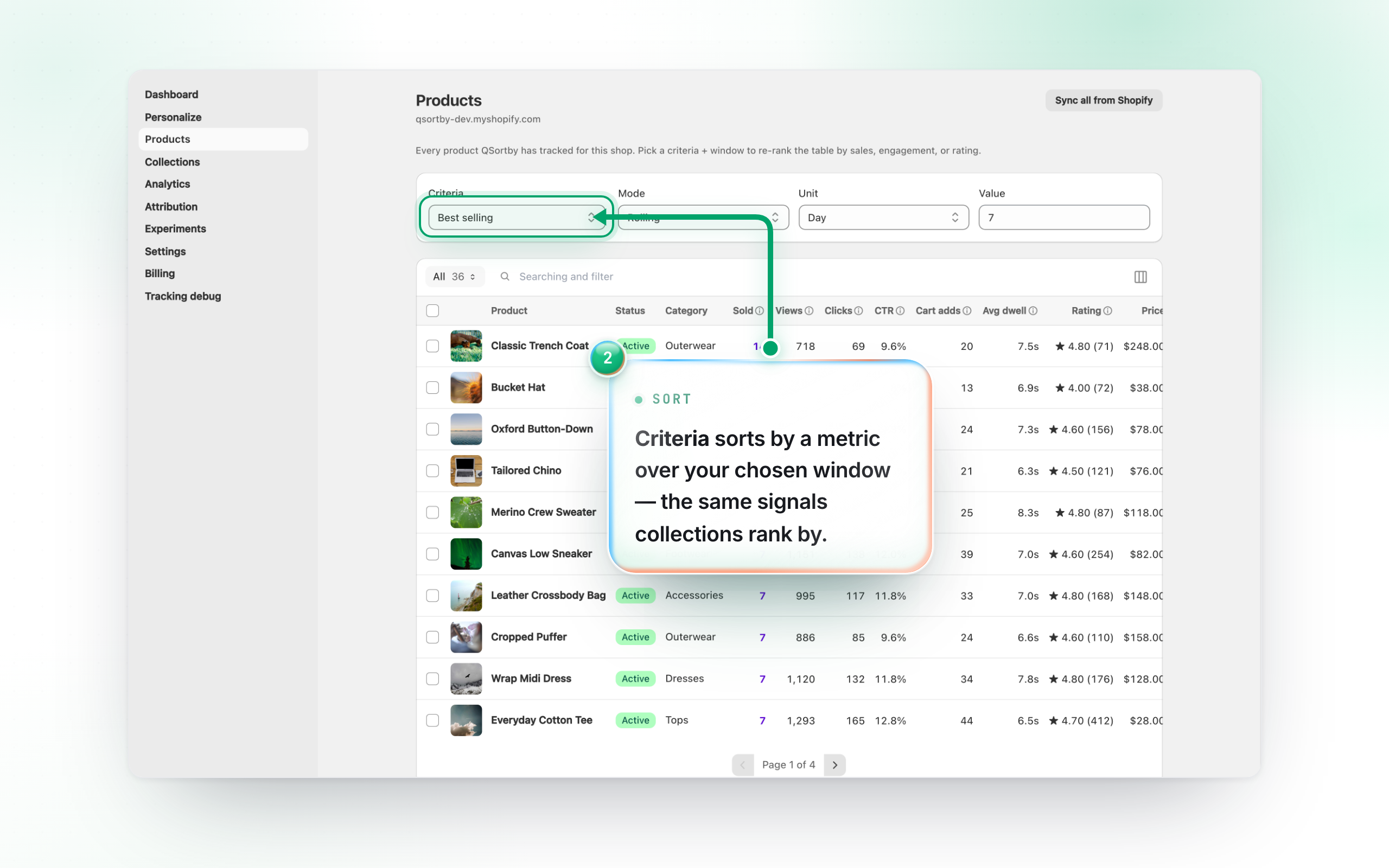
Use Criteria to sort by a metric — Best selling, Most impressions, Most clicks, Highest CTR, Most added to cart, Longest dwell. Set the window (Hour / Day / Custom range / Period) beside it. The same signals drive collection ranking, so this is a great place to preview what a rule would surface.
3. Filter and save views
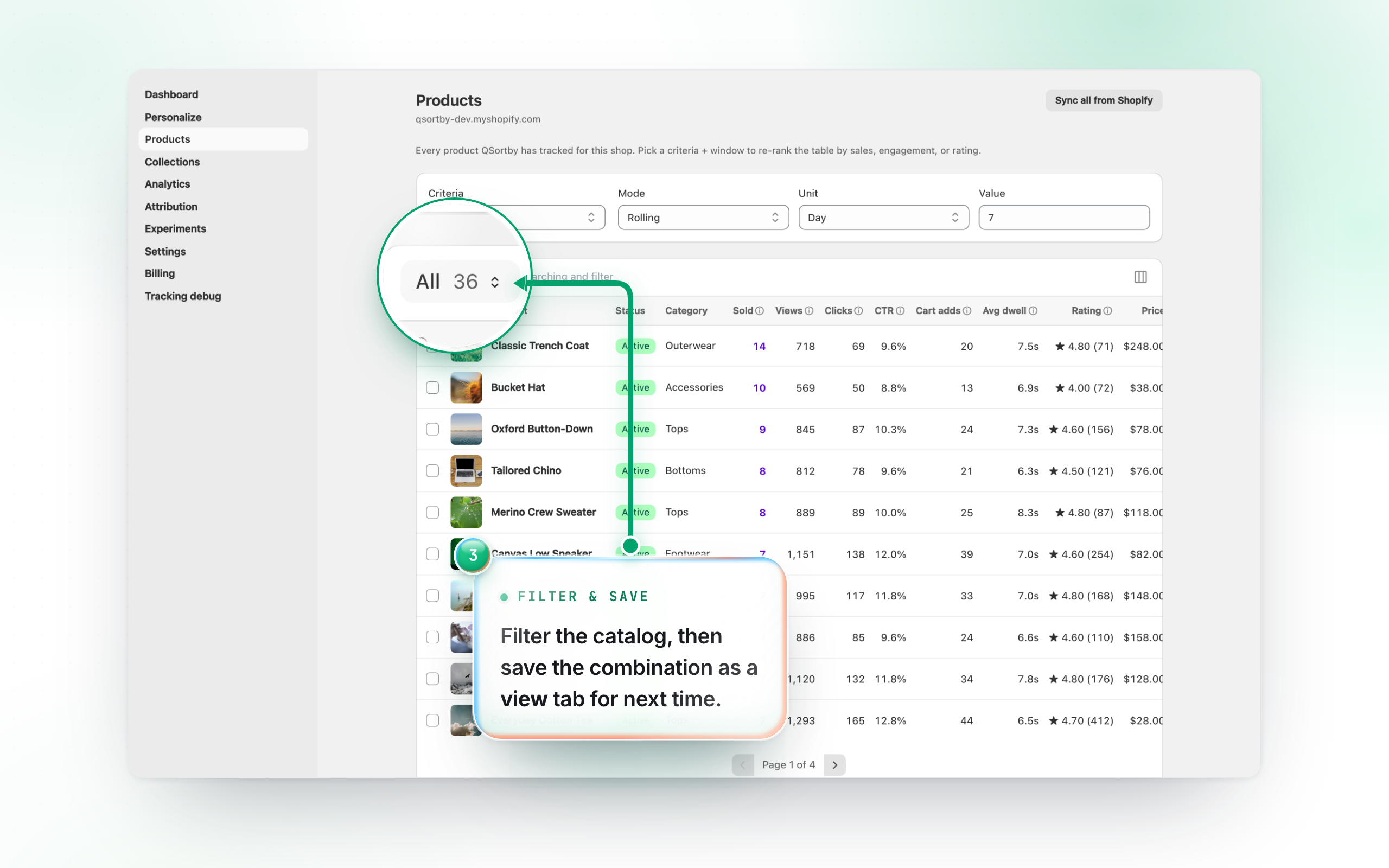
Add filters (status, category, price, inventory) with + Add filter, then keep a filter+sort combination as a named view tab for one-click access later. Hover any metric column header to see exactly what it measures.